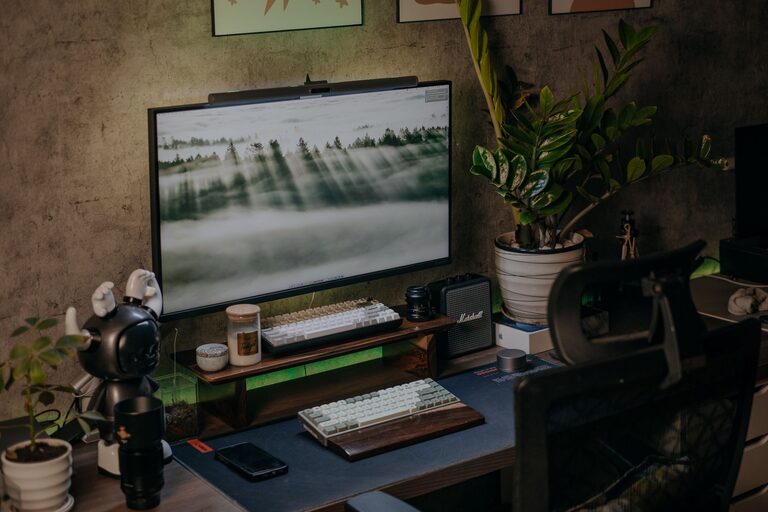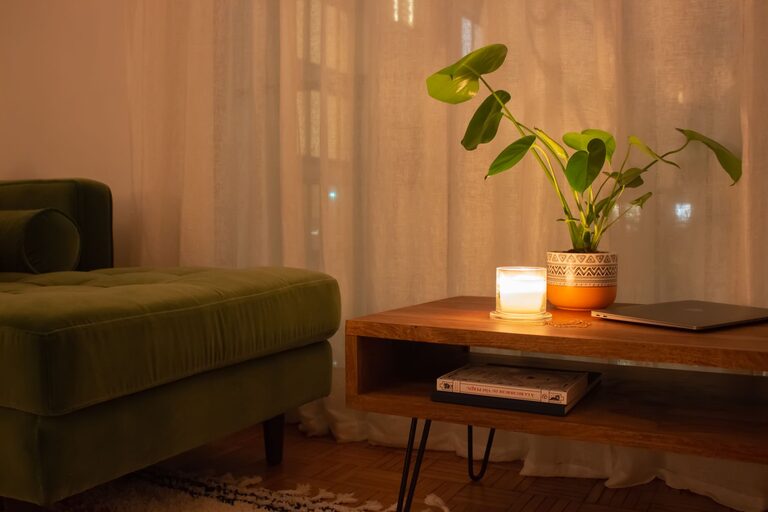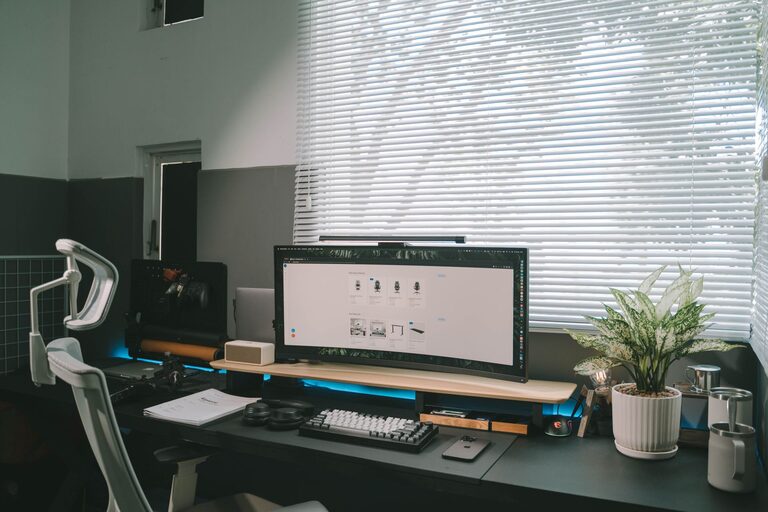
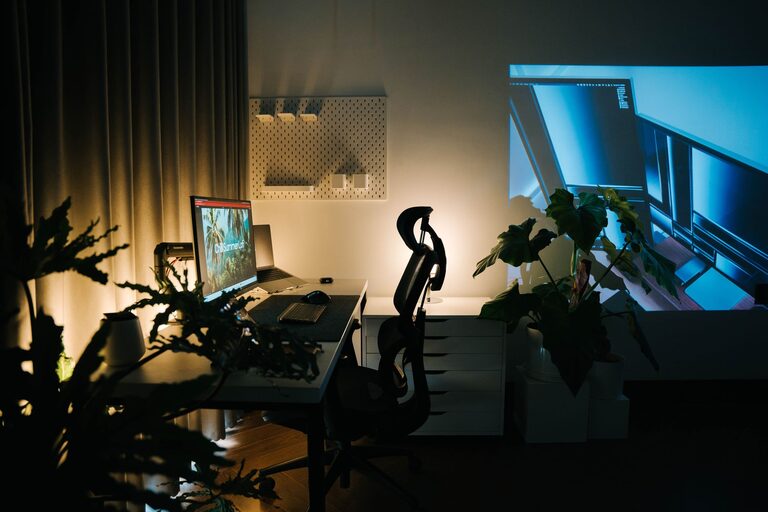
Creating a home workspace that is both cozy and functional can transform the way you work from home. A well-designed space promotes focus, reduces stress, and makes daily tasks more enjoyable. Whether you have a dedicated room or just a corner of your living area, these tips will help you set up an ideal environment tailored to your needs.
Choose the Right Location
Selecting the right spot for your workspace is crucial. Look for an area with good natural light, minimal distractions, and sufficient space to accommodate your work essentials. If possible, choose a quiet corner or a room with a door to separate work from home life.
Consider Lighting
Natural light is the best choice as it reduces eye strain and boosts mood. Position your desk near a window but avoid glare on your screen. Supplement with soft, adjustable artificial lighting such as a desk lamp or floor lamp to ensure your workspace remains well-lit during darker hours.
Invest in Comfortable Furniture
Comfort is key to maintaining productivity and preventing physical strain.
– Ergonomic Chair: Select a chair that supports your back and promotes good posture. Adjustable height and lumbar support are important features.
– Desk: Choose a desk with enough surface area to fit your computer, documents, and other tools without feeling cluttered.
– Footrest: If your feet don’t reach the floor comfortably, a footrest can improve circulation and posture.
Organize and Declutter
A tidy space clears your mind and helps you focus.
– Storage Solutions: Use shelves, drawers, and organizers to keep papers and supplies neat and accessible.
– Cable Management: Use clips or wraps to keep cords under control and prevent tangles.
– Daily Clean-Up: Spend a few minutes at the end of each day tidying your workspace.
Personalize Your Space
Adding personal touches can make your workspace inviting and inspiring.
– Plants: Small indoor plants improve air quality and add a refreshing element.
– Artwork and Photos: Decorate your walls or desk with items that make you happy or motivated.
– Color Scheme: Choose calming colors like soft blues, greens, or neutrals to create a peaceful atmosphere.
Optimize Technology Setup
Ensure your tech gear suits your workflow.
– Reliable Internet: A strong, stable connection is essential for video calls and online work.
– Monitor Placement: Position your monitor at eye level to reduce neck strain.
– Keyboard and Mouse: Opt for ergonomic designs to prevent wrist discomfort.
Establish Boundaries and Routine
Creating clear boundaries between work and personal life is vital when working from home.
– Set Working Hours: Stick to a schedule to maintain work-life balance.
– Use the Space Only for Work: Avoid doing leisure activities in your workspace to signal your brain when it’s time to focus.
– Take Breaks: Regular short breaks help maintain concentration and reduce fatigue.
Keep Comfort Essentials Nearby
Having a few comfort items at hand can improve your well-being throughout the day.
– Water Bottle: Stay hydrated without leaving your desk.
– Blanket or Sweater: Maintain a comfortable temperature.
– Healthy Snacks: Keep nutritious snacks nearby for energy boosts.
Sound and Privacy Considerations
Noise and distractions can break your focus.
– Noise-Cancelling Headphones: Useful in noisy environments.
– White Noise Machines or Apps: Can help mask background sounds.
– Door or Room Dividers: Help create physical boundaries if you share space with others.
Final Thoughts
Designing a cozy and functional home workspace is about balancing comfort, organization, and productivity. By paying attention to lighting, furniture, organization, personalization, and routine, you can create an environment that supports your best work and well-being every day. Remember, small changes can make a big difference, so start with what feels manageable and build your ideal workspace over time.
About the Author