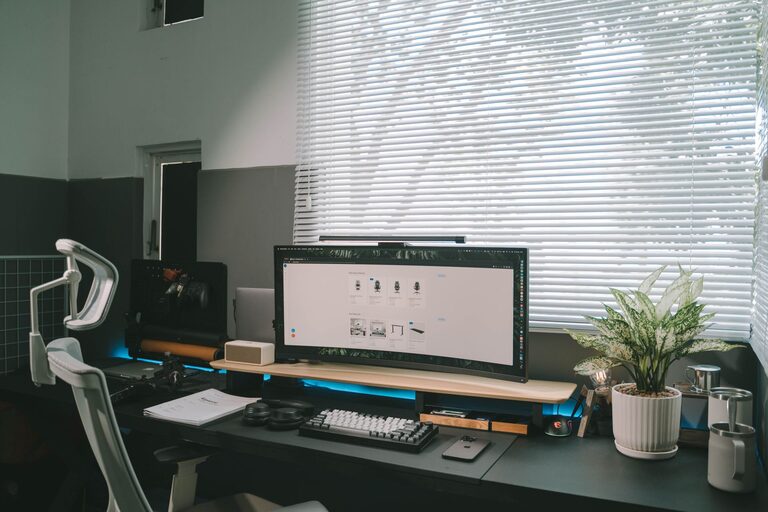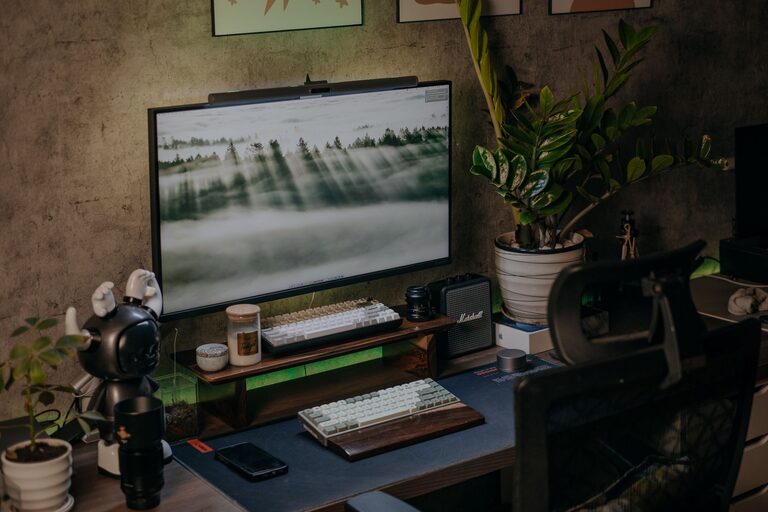
Creating a home office that is both cozy and productive can significantly impact your work-from-home experience. As remote work becomes more common, having a dedicated space tailored to your needs helps you stay focused, organized, and comfortable throughout the day. This guide will walk you through practical tips to design a home office that boosts your efficiency while making your workspace inviting and pleasant.
Choose the Right Location
Finding the perfect spot for your home office is the first step. Ideally, select a quiet corner or room that separates work from your living areas. This helps create a psychological boundary between professional and personal time. Consider the following when picking a location:
– Access to natural light to reduce eye strain and improve mood
– Away from high-traffic or noisy areas to minimize distractions
– Sufficient space for your desk, chair, and storage needs
If space is limited, use room dividers or screens to create a distinct work zone.
Invest in Ergonomic Furniture
Comfort is key to maintaining productivity, especially if you spend long hours at your desk. Ergonomic furniture supports good posture and reduces discomfort. Focus on these essentials:
– Ergonomic Chair: Choose one with adjustable height, lumbar support, and comfortable cushioning.
– Desk: A surface that fits your work materials with enough legroom. Adjustable desks that allow sitting and standing are a plus.
– Monitor Stand or Laptop Riser: These help keep your screen at eye level to prevent neck strain.
Remember, investing in quality furniture pays off with better focus and reduced physical fatigue.
Optimize Lighting
Good lighting affects how well you can work and your overall mood. Natural light is ideal, but you might need additional lighting sources, especially in the evening. Here are lighting tips:
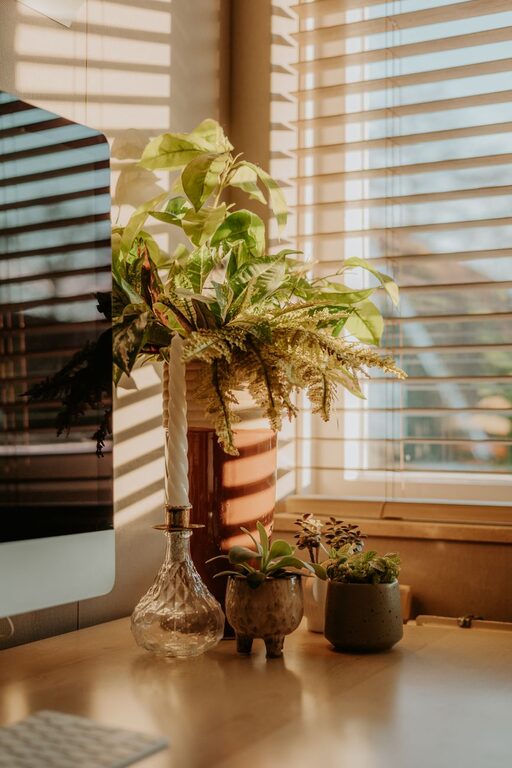
– Position your desk near windows to make the most of daylight.
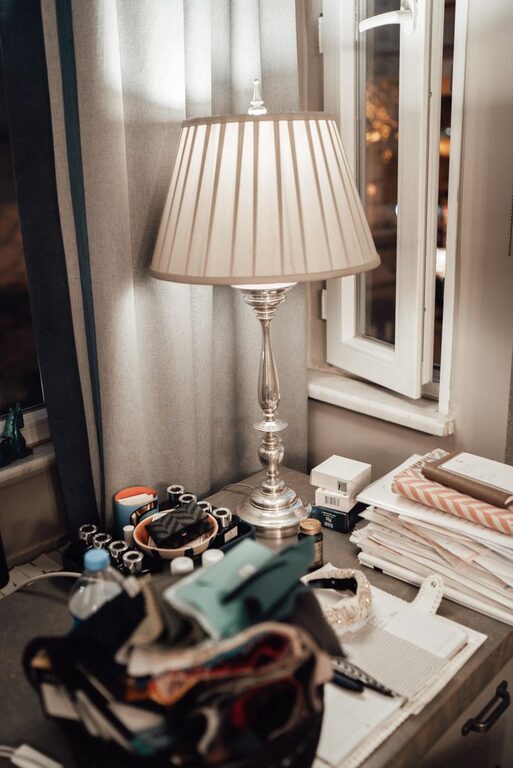
– Use adjustable desk lamps with warm light to reduce harsh shadows.
– Avoid glare on screens by placing lights to the side or behind your monitor.
– Consider soft ambient lighting to create a relaxing atmosphere during breaks.
Declutter and Organize
A tidy space can simplify your workflow and reduce stress. Keeping your desk and surroundings neat prevents distractions and improves focus. Tips to organize your workspace include:
– Use cable organizers to manage wires.
– Employ vertical shelving or wall-mounted organizers to save desk space.
– Keep frequently used items within reach and store less-used materials in drawers or boxes.
– Schedule regular cleanup sessions to maintain order.
Consider labeling containers and folders for easier access.
Personalize Your Space
Adding personal touches makes your home office feel inviting and motivating. While keeping it professional, include elements that inspire you:
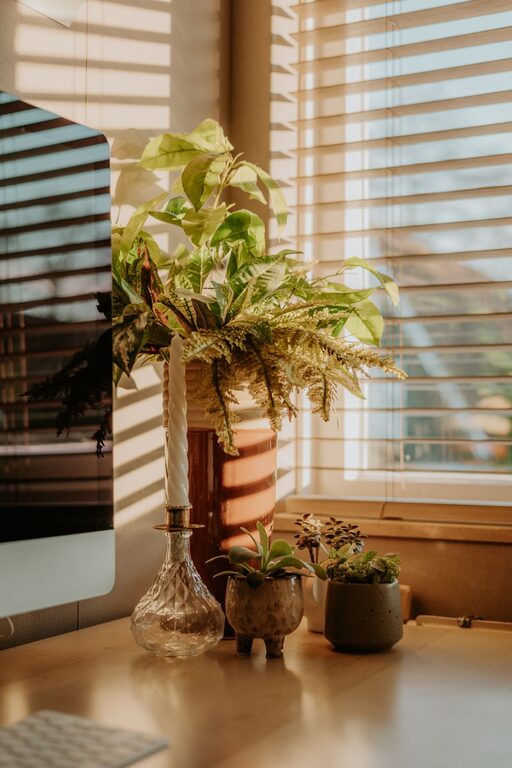
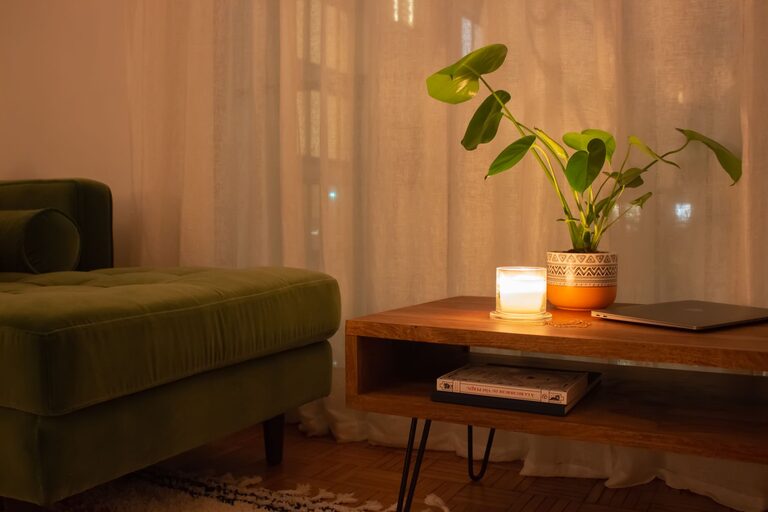
– Display artwork, photos, or plants to bring life and color.
– Use a cozy rug or cushions for warmth and comfort.
– Incorporate your favorite colors through accessories or wall paint.
– Choose scents like candles or essential oils to create a calming environment, if appropriate.
Personalization helps maintain a positive mindset during work hours.
Set Boundaries and Signals
Working from home can blur the line between a workday and downtime. Establishing boundaries helps you switch into work mode and back into relaxation afterward. Try these strategies:
– Use a dedicated door sign or indicator to signal when you’re busy.
– Keep your work materials and electronics confined to your office space.
– Set specific work hours and communicate them with family or housemates.
– Take regular breaks to stretch and refresh away from your desk.
Clear boundaries support better work-life balance and reduce burnout.
Choose Technology Wisely
Equipping your home office with the right technology can boost your efficiency. Consider the following:
– A reliable and fast internet connection.
– Noise-canceling headphones if you work in shared or noisy environments.
– A good quality webcam and microphone for virtual meetings.
– Productivity tools and apps that organize tasks and manage time.
Ensure your devices are charged and maintained to avoid interruptions.
Pay Attention to Acoustics
Noise can greatly affect concentration. If your home office is in a lively household or near busy streets, improving acoustics can help:
– Use soft furnishings like rugs, curtains, and cushions to absorb sound.
– Add soundproofing panels or foam if necessary.
– Play gentle background music or white noise to mask distractions.
A quiet environment fosters clearer thinking and focus.
Incorporate Greenery
Plants are known to improve mood, air quality, and reduce stress. Some great low-maintenance options for a home office include:
– Snake plants
– Pothos
– Succulents
– Spider plants
Place them near your desk or on shelves to enliven your workspace.
Keep Comfort in Mind
Finally, comfort goes beyond furniture. Consider these elements to create a cozy feeling:
– Maintain a comfortable room temperature using fans or heaters as needed.
– Have a water bottle or a mug for your favorite beverage within reach.
– Use soft lighting during breaks to relax your eyes.
– Dress comfortably but maintain a professional attitude to support your mindset.
—
Creating a cozy yet efficient home office is achievable with thoughtful choices and a bit of planning. Finding the right balance between comfort and productivity helps turn your workspace into a place you enjoy spending time, making remote work a smoother and more fulfilling experience. Start with these simple tips, and gradually tailor your office to suit your personal work style and needs.
About the Author