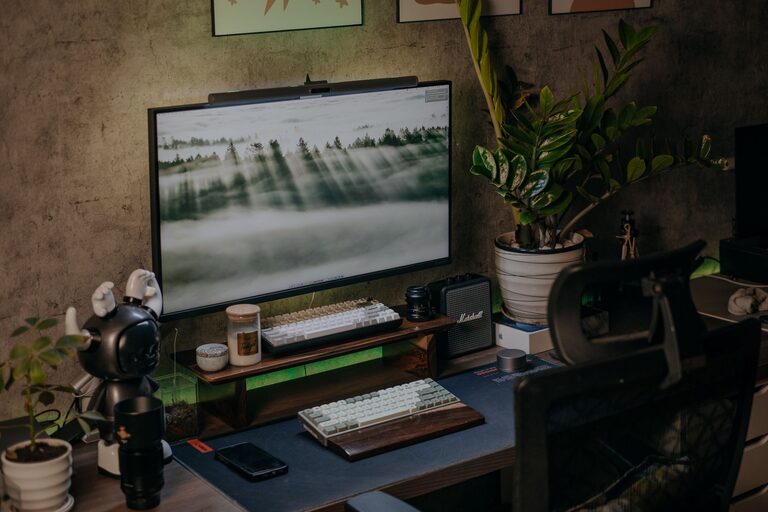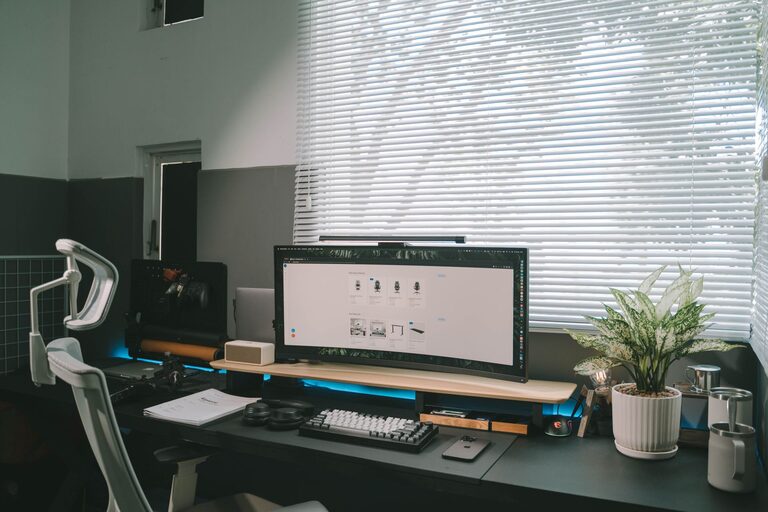

Having a well-organized workspace can make a big difference in how productive and calm you feel at work. A cluttered or disorganized area often leads to distractions and stress, which can slow you down or leave you feeling overwhelmed. Fortunately, organizing your workspace doesn’t have to be complicated or time-consuming. With a few simple tips, you can create a tidy, efficient environment that supports your best work.
Why Organizing Your Workspace Matters
Before diving into the tips, it’s important to understand why organizing your workspace is so beneficial:
– Improved focus: Fewer distractions help your brain concentrate better.
– Increased efficiency: Quick access to tools and documents saves time.
– Stress reduction: A clean space promotes calm and reduces anxiety.
– Better work habits: Organization encourages consistency and professionalism.
Now, let’s explore practical steps you can take to organize your workspace effectively.
1. Declutter Regularly
Start by removing everything you don’t need from your desk or work area. This includes old papers, broken pens, empty cups, or anything unrelated to your work tasks.
How to declutter:
– Set a timer for 10–15 minutes to avoid spending the whole day.
– Sort items into three piles: Keep, Trash, and Relocate.
– Use file folders or boxes to organize important papers immediately.
– Repeat this process weekly or monthly to maintain order.
2. Group Similar Items Together
Keeping related items in the same area makes them easier to find and reduces mental clutter.
Examples:
– Writing utensils in a cup or drawer compartment.
– Frequently used documents in an inbox tray.
– Electronics and chargers stored neatly on one side.
Grouping helps streamline your workflow by limiting how often you search for things.
3. Use Vertical Space
If your desk has limited surface area, don’t forget the walls or shelves.
Ideas for vertical organization:
– Install wall-mounted shelves or pegboards for supplies.
– Use corkboards or magnetic boards to keep notes visible.
– Hang organizers for small items like sticky notes or cables.
This maximizes your workspace without overcrowding your desk surface.
4. Prioritize Daily Essentials
Only keep items you use every day on your desk. Store everything else out of sight but within reach when needed.
Examples:
– Monitor, keyboard, and mouse.
– Planner or calendar.
– A notebook and your preferred pen.
Less frequently used things such as reference books or extra office supplies can be stored in nearby drawers or cabinets.
5. Establish a Filing System
Whether digital or paper-based, having a clear method for filing helps you access documents quickly.
Tips for setting up a filing system:
– Label folders logically (e.g., “Invoices 2024” or “Project X”).
– Use color coding to differentiate categories.
– Store completed or archived files separately.
Make sure to review and update files regularly to prevent them from piling up.
6. Keep Cables Tidy
Unorganized cables create visual clutter and can even cause trips or damage.
Ways to manage cables:
– Use cable clips or ties to bundle cords.
– Attach power strips underneath the desk.
– Consider wireless devices to reduce cables.
A clean cable setup not only looks better but also improves safety.
7. Personalize With Purpose
Adding a few personal touches like a plant, photo, or artwork can make your workspace more inviting and boost your mood. However, keep personalization minimal to avoid distraction.
8. Clean Your Workspace Daily
Spend a few minutes at the end of each workday to tidy up.
What to do:
– Put away papers and supplies.
– Wipe down surfaces.
– Organize items for tomorrow.
This simple habit helps you start fresh every morning and prevents mess from building up.
Conclusion
Organizing your workspace is a practical way to help you stay productive and reduce stress. By decluttering, grouping items, using vertical space, and maintaining good habits, you can create an environment that supports your work and wellbeing. Remember, it’s about what works best for you — even small changes can have a big impact on your day.
Try these tips today and enjoy a more focused, efficient, and calm workspace!
About the Author