Creating a cozy and functional home workspace is essential for anyone who spends a significant amount of time working from home. A well-designed workspace can improve focus, increase productivity, and make your workday more enjoyable. Whether you have a dedicated room or just a corner in your living space, these tips will help you set up an inviting and practical work environment.
Choose the Right Location
Consider Natural Light
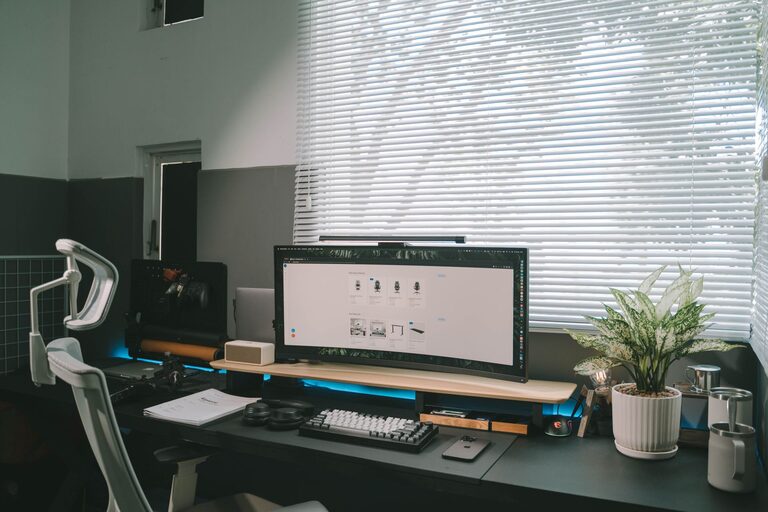
Natural light can improve mood and reduce eye strain. Try to position your desk near a window to take advantage of daylight. If that’s not possible, invest in quality lighting with adjustable brightness to keep your space well-lit throughout the day.
Minimize Distractions
Select a quiet area away from high-traffic zones within your home. This will help you concentrate better and maintain a professional mindset during work hours.
Invest in Comfortable Furniture
Ergonomic Chair
A comfortable, supportive chair is key to preventing back and neck pain. Look for an ergonomic design that promotes good posture and adjustability to fit your body’s needs.
Functional Desk
Choose a desk with enough surface area for your computer, notebooks, and other work essentials. Standing desks or adjustable options are great for varying your position during the day to avoid stiffness.
Organize for Efficiency
Declutter Regularly
Keep your workspace tidy to reduce distractions. Use storage solutions like shelves, drawers, and organizers to keep supplies within easy reach but out of sight.
Create Zones
Designate specific areas for different tasks. For example, have a spot for computer work, another for writing or reading, and some space for personal items or inspiration.
Personalize Your Space
Add Comfort Elements
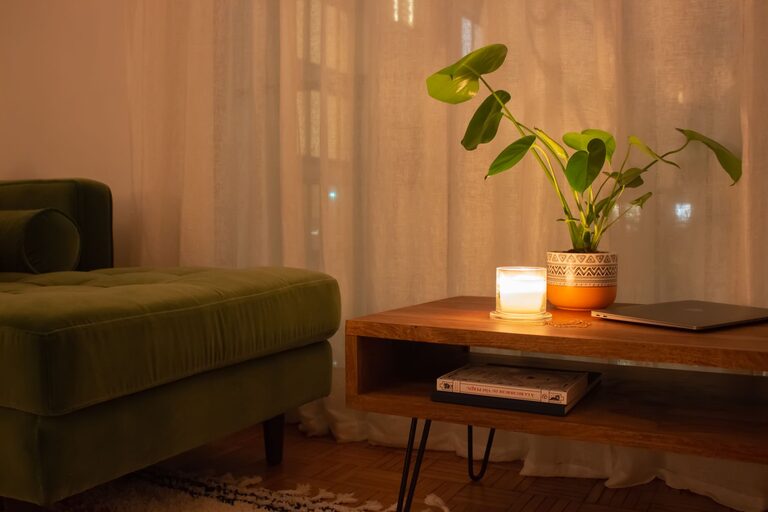
Introduce cozy touches such as a soft rug, comfortable cushions, or a warm throw blanket. These items can make your workspace feel inviting and help you relax.
Incorporate Plants
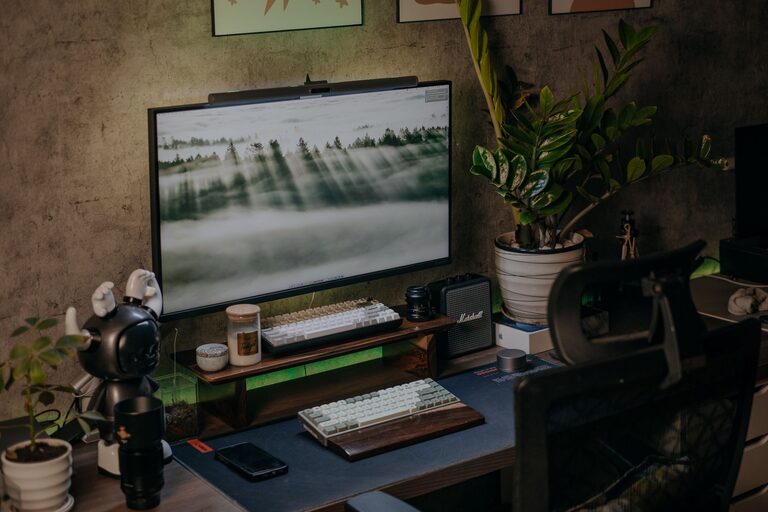
Having greenery in your workspace can boost creativity and reduce stress. Choose low-maintenance plants that suit your environment, like succulents or peace lilies.
Optimize Technology Setup
Manage Cables
Use cable organizers or clips to keep wires neat and prevent tangling. A clean setup is both safer and more visually appealing.
Use Quality Accessories
Invest in reliable devices like a good keyboard, mouse, and monitor to improve comfort and productivity. Consider noise-cancelling headphones if you need to block out background noise.
Establish a Routine and Boundaries
Set Working Hours
Define clear start and end times for your workday. This helps maintain a healthy work-life balance, especially when working from home.
Communicate Your Space’s Purpose
If you share your home, let family or roommates know your work schedule to minimize interruptions. Use visual cues such as a closed door or a sign to indicate when you shouldn’t be disturbed.
Maintain Good Air Quality
Ventilate Regularly
Open windows for fresh air when possible. Good ventilation improves concentration and overall well-being.
Use Air Purifiers
If you’re in an area with pollution or allergens, consider an air purifier to maintain a clean and healthy workspace.
Add Motivational Elements
Display Inspiring Items
Photos, quotes, or artwork that motivate you can enhance your work experience. Change them periodically to keep your space feeling fresh and encouraging.
Keep a Planner or Whiteboard
Having a visual task list or calendar nearby can help track goals and deadlines, keeping your work organized and on schedule.
Conclusion
A cozy and functional home workspace combines comfort, organization, and personal touches. By carefully choosing your location, investing in quality furniture, and organizing effectively, you can create an environment that supports your productivity and well-being. Remember, your workspace should adapt to your needs and inspire you to do your best work every day.
About the Author