Creating a home office that is both cozy and productive can transform your workday experience. Whether you work remotely full-time or occasionally need a quiet spot for focused tasks, setting up the right environment is key. In this post, we’ll explore practical tips to help you design a home office that encourages focus while making you feel comfortable and motivated.
Why a Well-Designed Home Office Matters
Working from home often means balancing comfort with efficiency. A space that feels inviting can reduce stress and increase motivation, while a cluttered or poorly arranged area can lead to distractions and burnout. A well-thought-out home office helps set clear boundaries between work and personal life, contributing to better mental wellbeing and work performance.
Choose the Right Location
Find a Quiet Spot
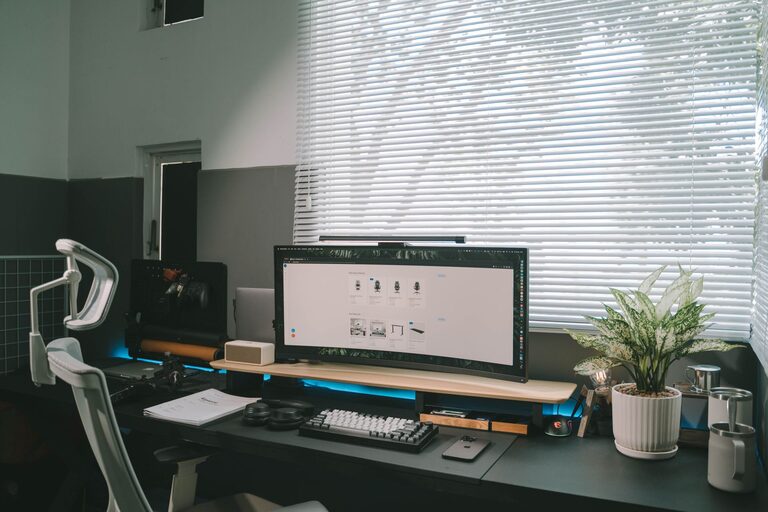
Look for a space in your home that minimizes distractions. Ideally, it should be away from loud areas like the kitchen or living room. Natural light is a huge bonus—if possible, set up near a window to boost mood and reduce eye strain.
Consider Your Needs
Think about the kind of work you do. Do you need a lot of desk space for papers or multiple monitors? Or do you mostly work on a laptop? This will help you decide how much room you require and what type of furniture will work best.
Invest in Comfortable Furniture
Comfort is essential for long work sessions. Investing in ergonomic furniture supports your body and helps prevent strain.
– Office Chair: Choose one with good lumbar support, adjustable height, and comfortable cushioning.
– Desk: Select a desk at the right height and size for your tasks; standing desks can be a great option for alternating positions.
– Accessories: A footrest, wrist rests, or a monitor stand can improve posture and comfort.
Optimize Lighting
Proper lighting reduces eye fatigue and can enhance focus.
– Natural Light: Use curtains or blinds to control glare while letting in soft, natural light.
– Task Lighting: A desk lamp with adjustable brightness helps illuminate your work area without straining your eyes.
– Ambient Lighting: Overhead lights or floor lamps provide general illumination and add warmth to the room.
Keep It Organized
Clutter can be distracting and stressful. An organized workspace helps keep your mind clear.
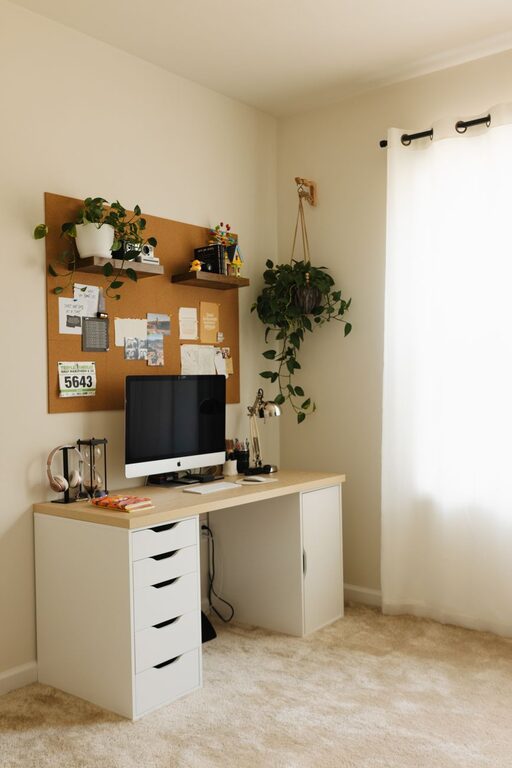
– Storage Solutions: Use shelves, drawers, or filing cabinets to keep documents and supplies tidy.
– Cable Management: Use clips, sleeves, or under-desk trays to manage cords neatly.
– Declutter Regularly: Make it a habit to tidy your space at the end of each day.
Personalize Your Space
Adding personal touches makes your home office feel welcoming and inspiring.
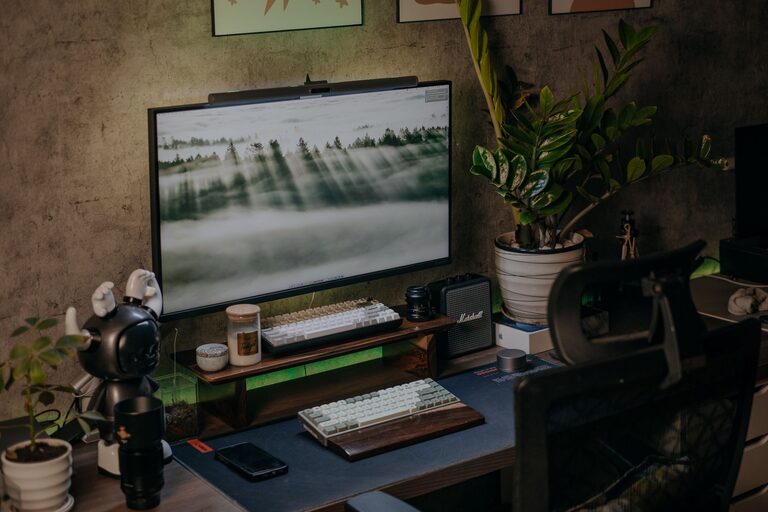
– Decor: Add artwork, plants, or photos that bring you joy without overwhelming the space.
– Color: Choose calming colors like soft blues or greens, or energizing hues like yellows, depending on what motivates you.
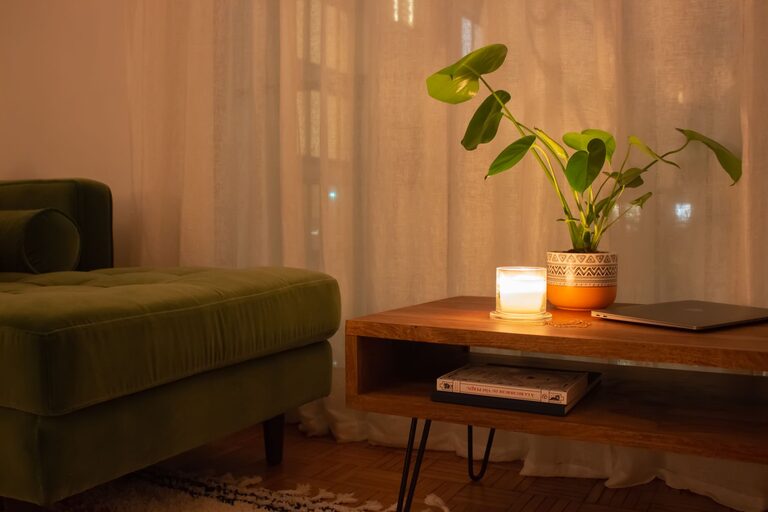
– Scent: A subtle scent from a candle or diffuser can create a pleasant atmosphere.
Incorporate Technology Wisely
Tech tools can enhance your efficiency but should be chosen carefully to suit your workflow.
– Reliable Equipment: Invest in a good-quality keyboard, mouse, and headset.
– Internet Connectivity: Ensure your internet connection is stable to avoid interruptions.
– Minimal Distractions: Use apps or settings to limit notifications during work hours.
Set Boundaries and Routine
A cozy and productive home office supports a healthy work routine.
– Work Hours: Define your working hours and communicate them to others in your household.
– Breaks: Take regular breaks to stretch and rest your eyes.
– Separate Spaces: If possible, keep your office area separate from living spaces to mentally switch off after work.
Final Thoughts
Creating a home office that balances comfort and productivity doesn’t have to be complicated or expensive. By focusing on thoughtful location, comfortable furniture, good lighting, organization, and personal touches, you can build a space that helps you work efficiently while feeling at ease. Start with small improvements and adapt your setup to what feels best for you—your ideal workspace is within reach!
About the Author